







A resolved ticket can still point to a bigger problem.
Resolving an issue helps one customer. Understanding why it keeps happening can help many more.
Analyze support conversations to find recurring problems and see whether customers got the help they needed.
Get more from your support data

Start with the support tools you already use.
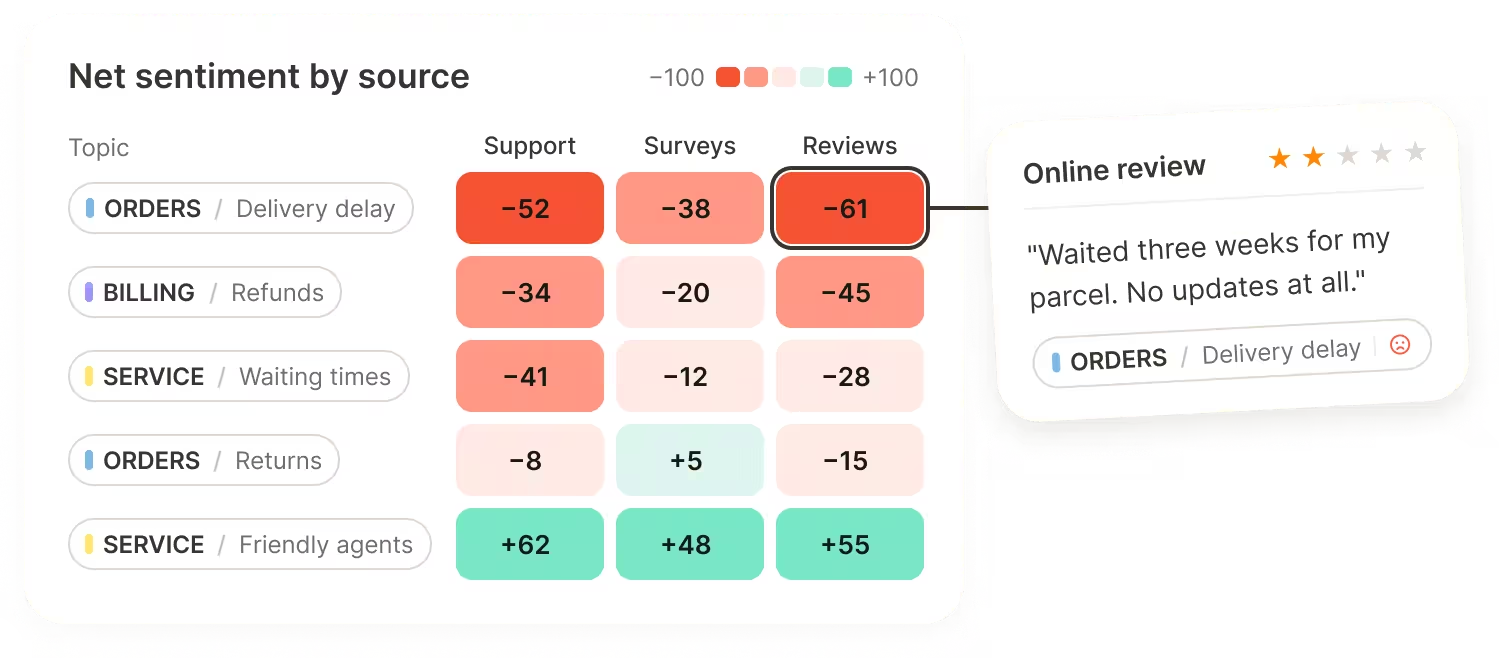
Automatically import support data from Zendesk or Intercom and survey responses from Salesforce. You can also upload files or use the API. Analyze support conversations alongside surveys and reviews to see where the same issues appear across your customer experience.





See where your support can improve.
Across tickets, CSAT, and chatbot replies.
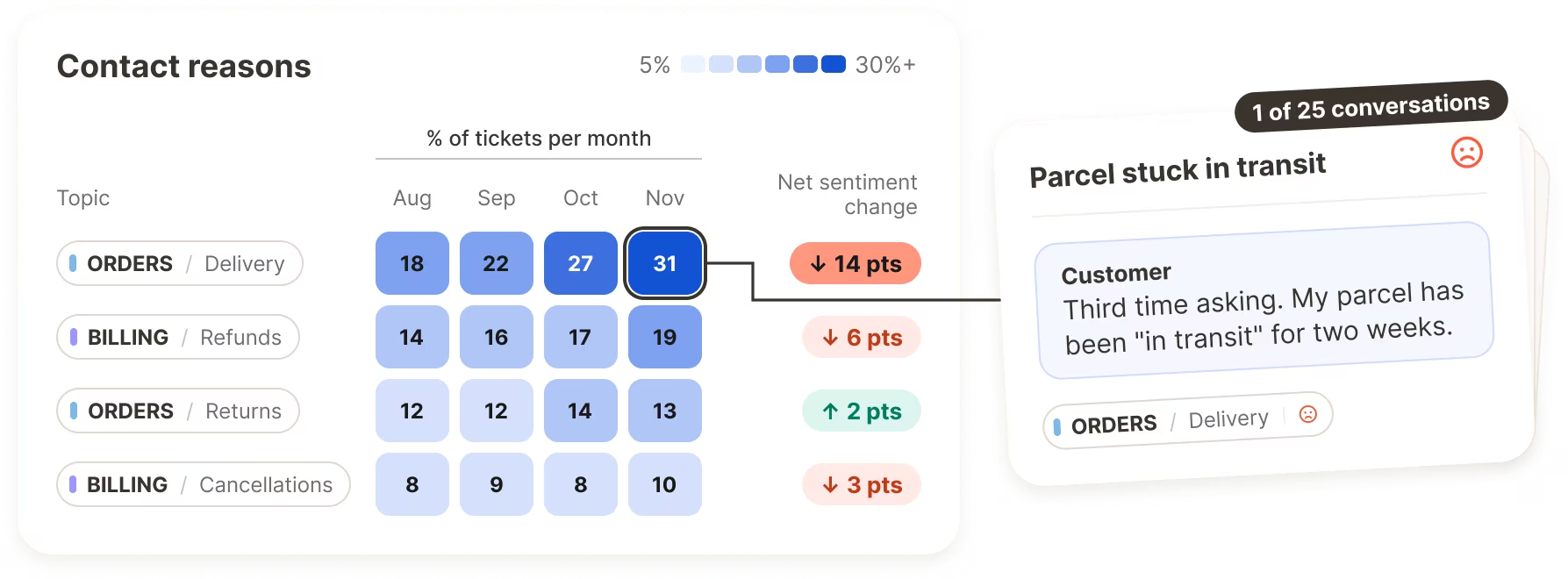
Analyze tickets and emails by topic, and use customer support sentiment analysis to understand how customers feel about each issue. Open the original conversation to check the details behind a finding.
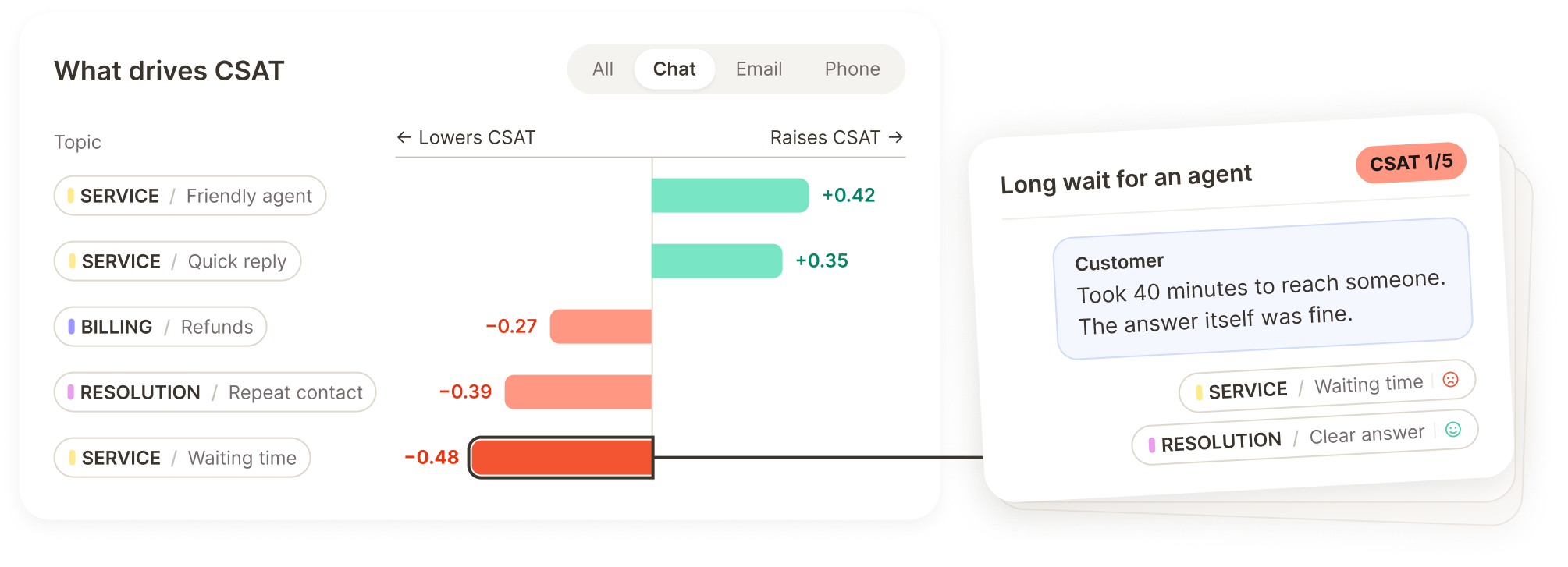
Pair post-contact satisfaction scores with the comments that explain them. See which topics are associated with higher or lower CSAT, then compare customer groups or service channels using the information in your data.
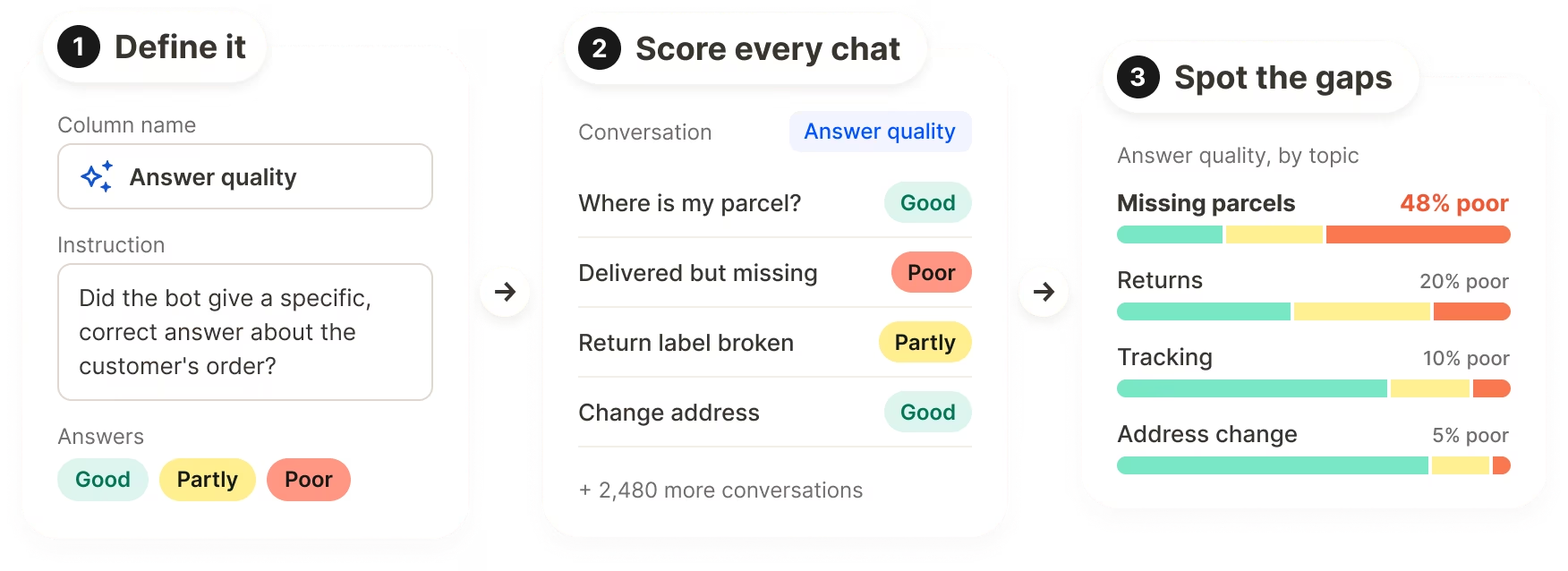
A chatbot can answer a question without solving the customer's problem. Use Smart Columns to turn your support criteria into fields you can compare across conversations, such as answer quality, escalation needs, and signs of resolution. Review the original exchanges to decide what needs to change.
"We analyze dialogues from humans (our customers), and also the answers from our Uppi chatbot. We have 100 chat conversations per day.
We analyze dialogues from humans (our customers), and also the answers from our Uppi chatbot. We have 100 chat conversations per day.
Rosaria Catena
Marketing Intelligence Specialist @ Drei Austria

Put what you learn to work.
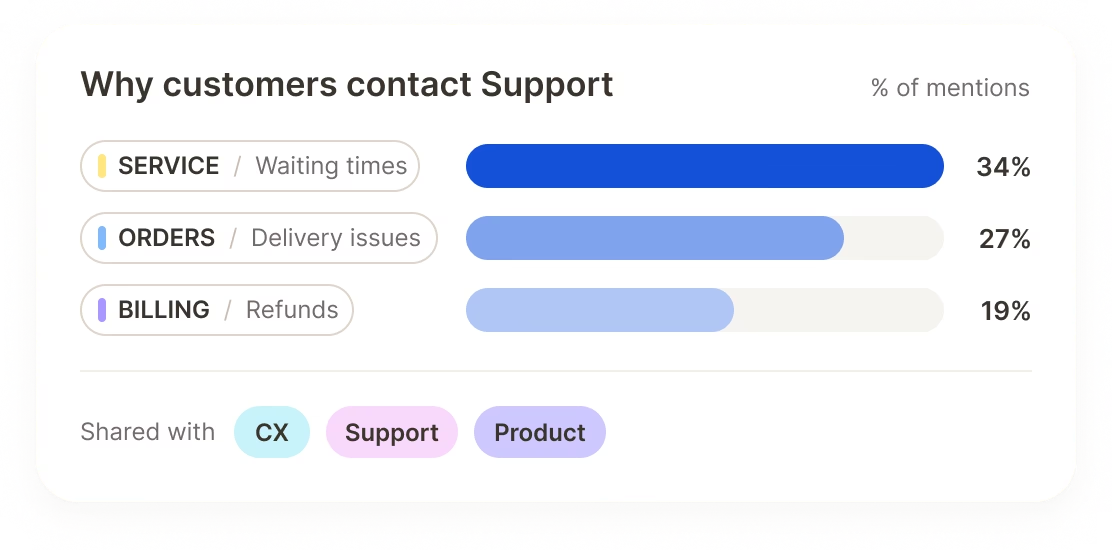
Agree on the problems to solve
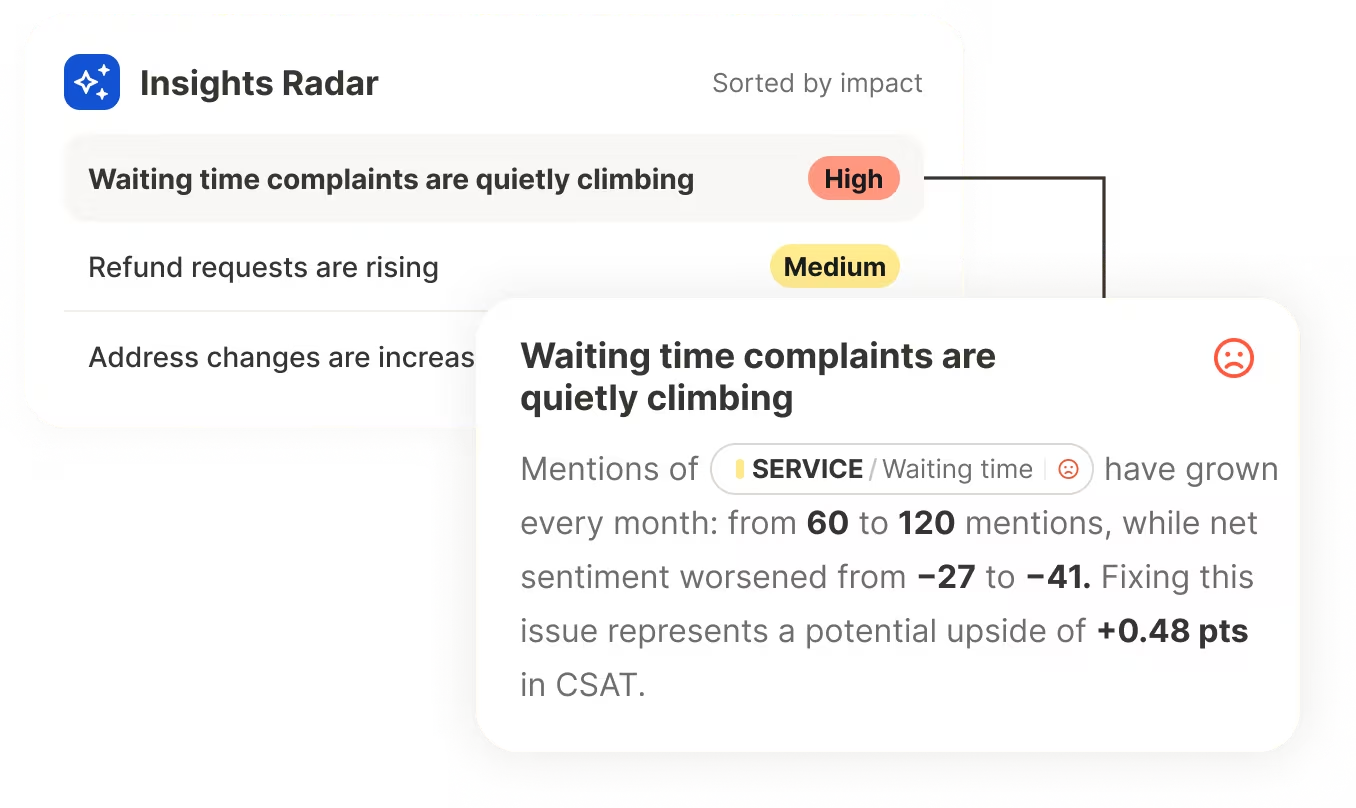
Prioritize by impact
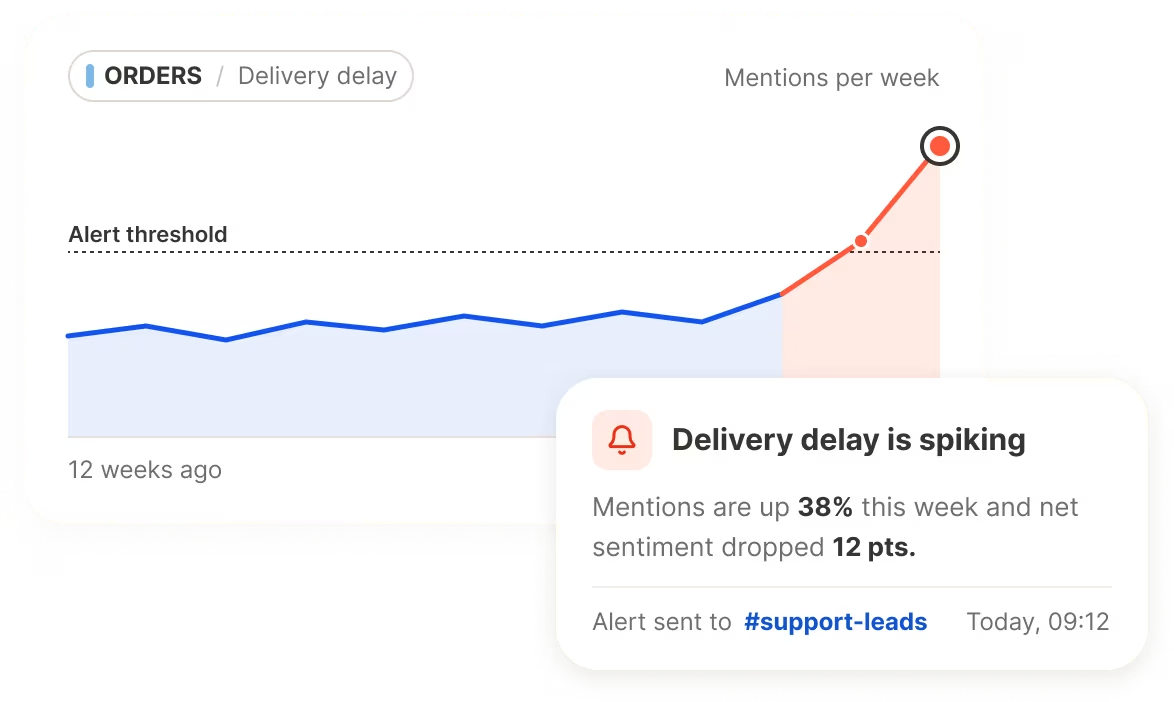
Spot issues before they snowball
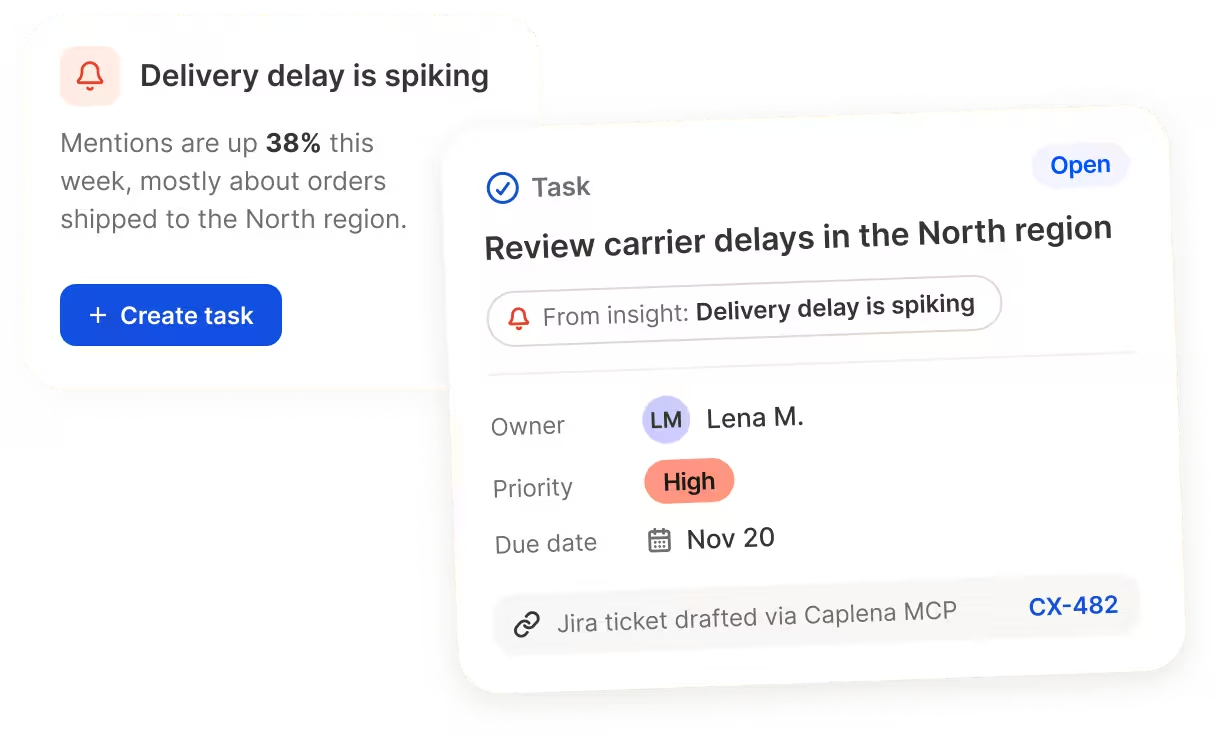
Give the next step an owner
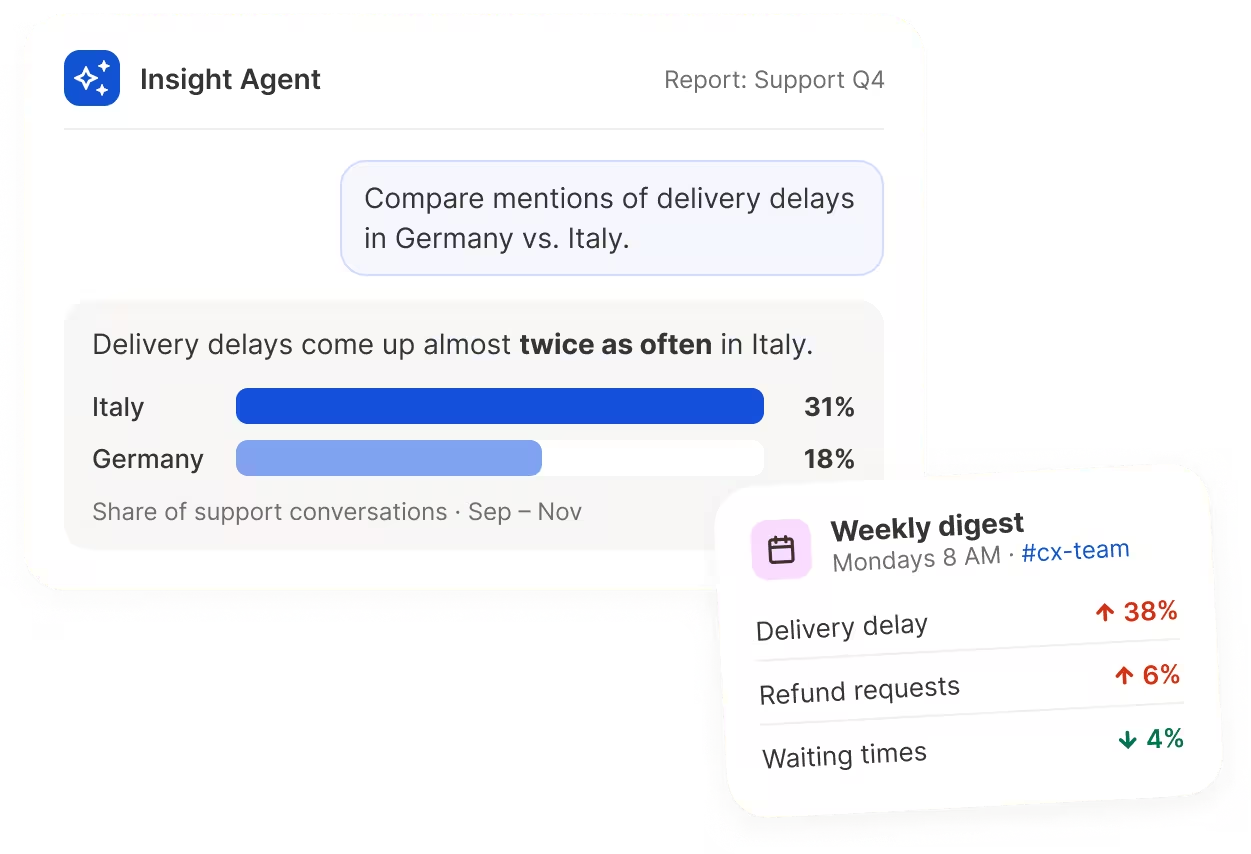
Let teams find their own answers
Connect the dots across feedback
Share the findings. Control access to the details.
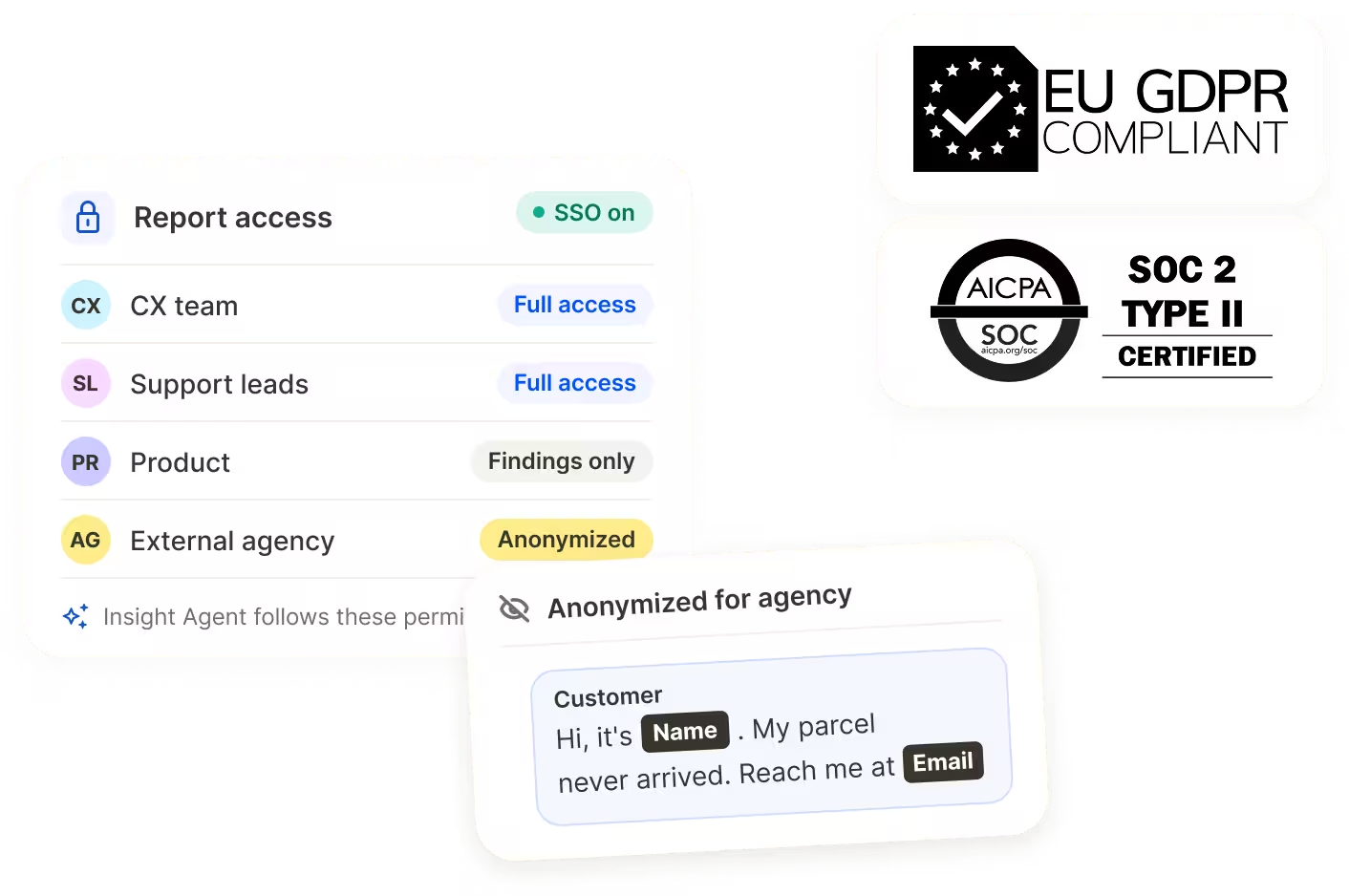
Support conversations can contain sensitive information. Caplena offers anonymization, access controls, and single sign-on to help you manage who can see customer data.
Set access for the teams who need the findings. Insight Agent follows the same reporting permissions, so colleagues can explore the data they’re allowed to see.
Visit our Trust Center.
What keeps your customers coming to support?
Tell us which support tools you use and what you’d like to understand. We’ll show you how Caplena can help you analyze those conversations alongside your existing feedback.


