
















One workspace to manage and enrich your data across customer and employee feedback.
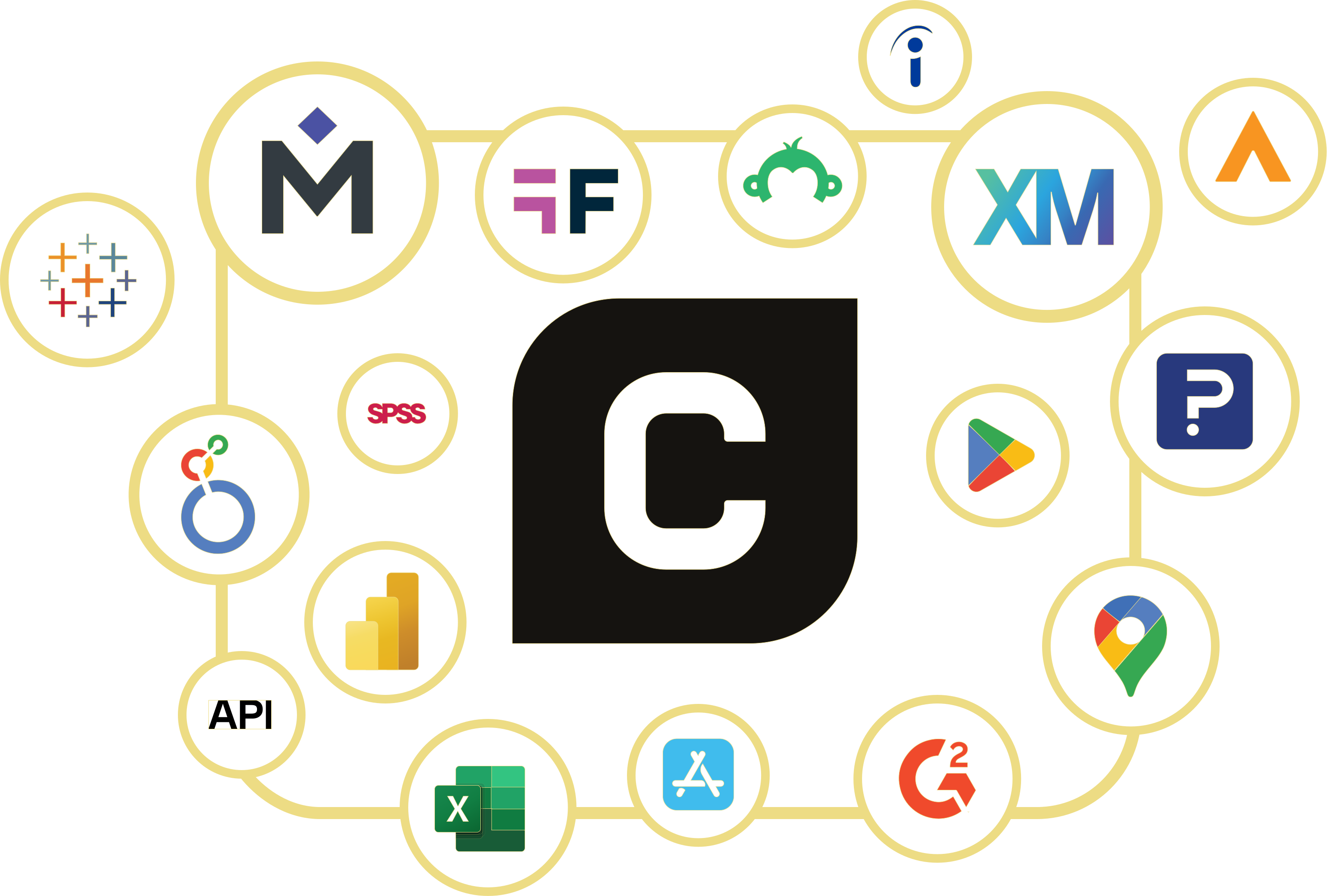
Unify any data source
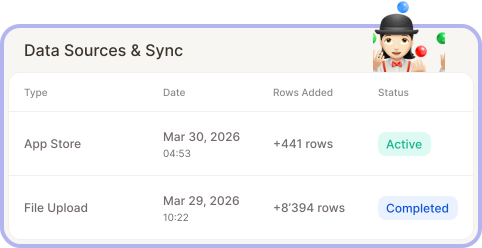
Grow your analysis scope with ease
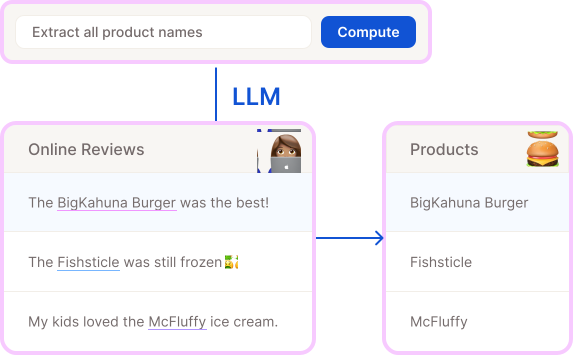
Structured meets unstructured data
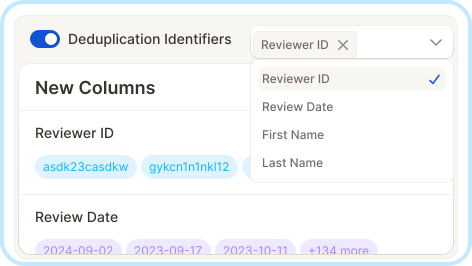
Deduplicate & update automatically





Elevate data quality with Smart Columns
The flexibility of Excel, supercharged with AI.
Smart Columns let you create new columns for data enrichment, transformation, mapping, or cleaning. The limit is your imagination!
They are computed automatically using:
simple mappings (ex: to map SKUs to specific values)
formulas (ex: to combine NPS scores with star-ratings)
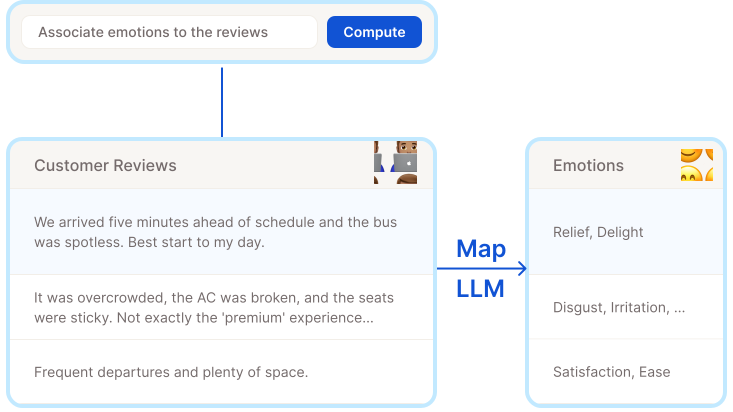
or prompts (ex: to associate emotions to verbatims), so you can describe your needs in plain language.
Define a transformation once and Caplena applies it across thousands of rows in minutes. As new data flows in, Smart Columns update automatically.
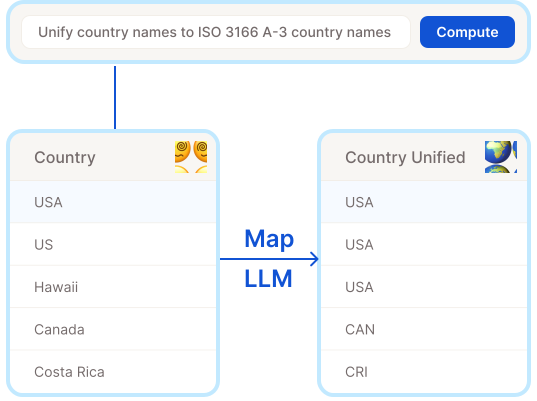
Turn messy, inconsistent data into clean categories.
Example: Turn US, USA, United States, and U.S.A. into one consistent value.
Map country codes to full names, normalize product variants, or group free-text labels into unified segments. Just define the mapping (or let the AI suggest one) and watch your data fall into place.
Instantly, across every row.
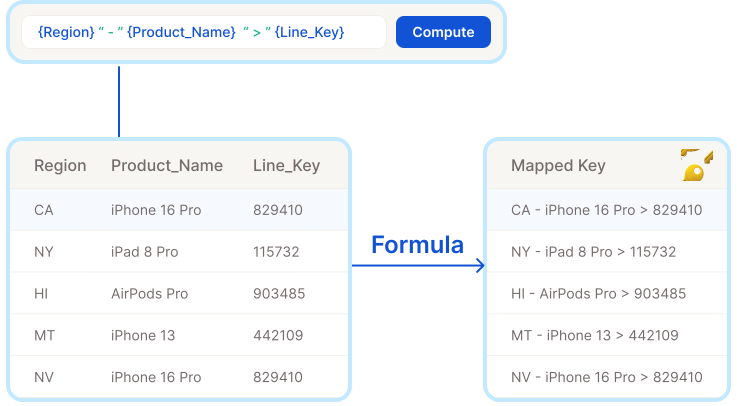
Concatenate fields, perform calculations, apply conditional logic, or reformat dates — right inside Caplena.
Example: Combine region and product line into a single segment key for cross-tabulation.
Formulas use a simple template language that references any column in your project.
No code, no export, no hassle.
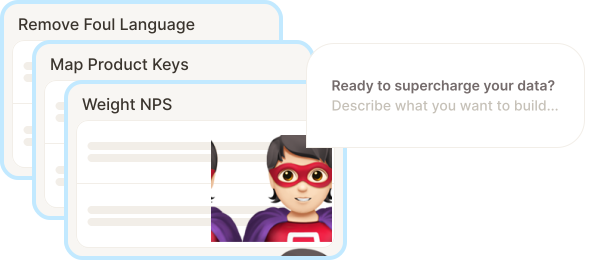
Not sure how to write a formula or build a mapping? Just describe what you want in plain language. Caplena's AI generates the configuration for you : ready to preview, fine-tune, and apply.
A few examples of what you could to:
Entity extraction: extract product names from text comments
Profanity filtering: remove slurs, offensive or inappropriate language
Segmentation: cluster audiences based on verbatim (ex: occasional vs. recurring buyer)
Emotion analysis: assign an emotion based on open-ended text
Go from idea to enriched data in seconds.
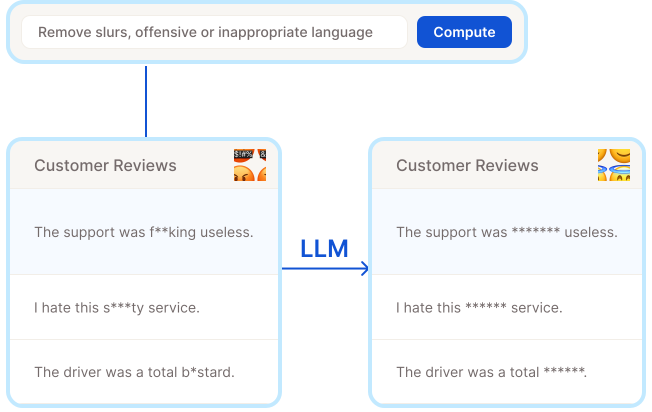
Smart Columns significantly reduce the effort required to prepare your data.
Like a built-in data enrichment tool, they help you clean, enrich, and transform your data.
Even without data engineering skills, you can augment your dataset for deeper insights.
"With the Smart Columns feature, our Operations team is able to augment our data with what's useful for analysis, without pulling our Data team away from their roadmap."
Go to Customer StoryWith the Smart Columns feature, our Operations team is able to augment our data with what's useful for analysis, without pulling our Data team away from their roadmap."

Built for insights teams, not engineers.
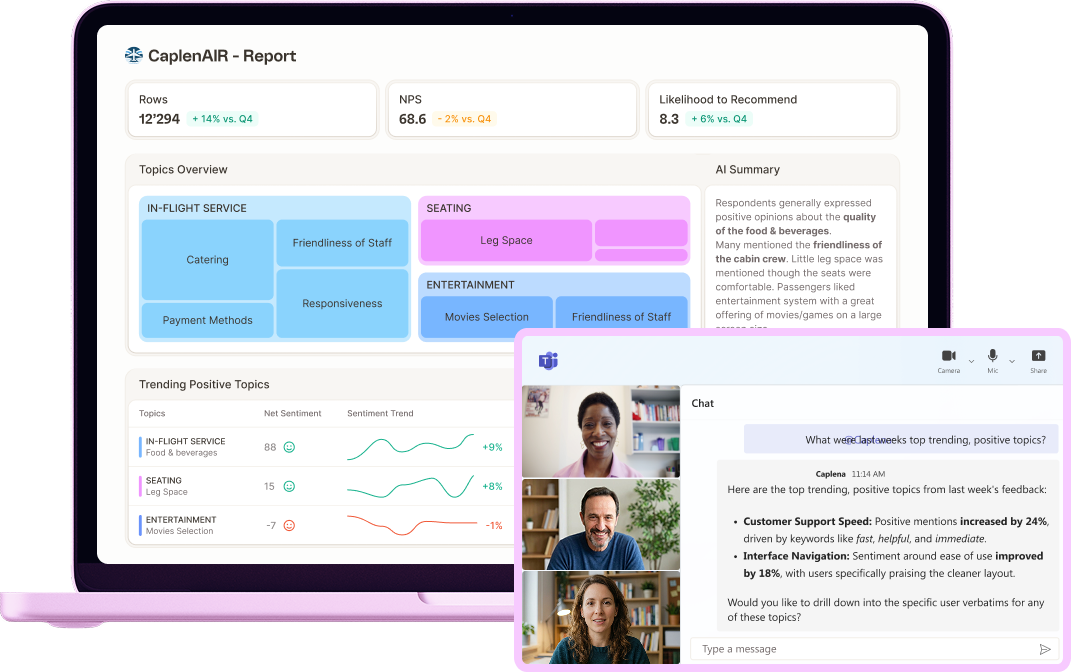
DIY data management: no tickets, no waiting
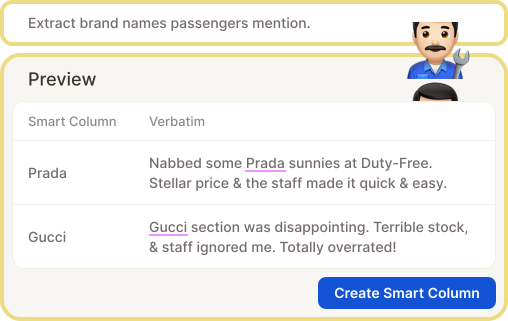
Preview before validating
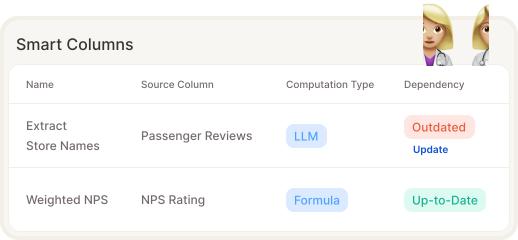
Ensure data quality at scale
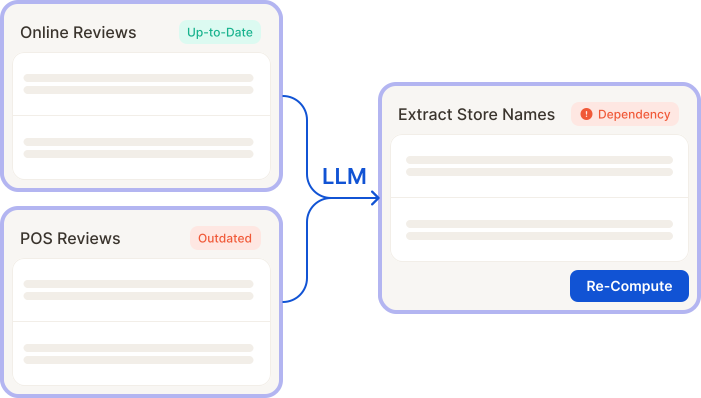
Track dependencies automatically
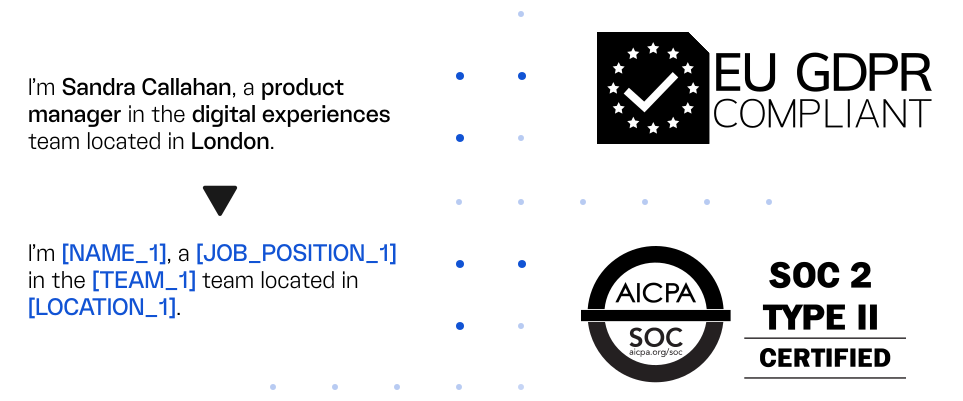
Enforce enterprise-grade data anonymization & security standards
When analyzing customer or employee feedback, ensuring the protection of data privacy is a non-negotiable.
Automatically anonymize text on import to ensure no PII (Personally Identifiable Information) is inadvertently shared. User access controls and single sign-on with any SAML 2.0 identity provider, such as Microsoft Entra ID or Okta, ensure only authorized team members see your data.
Your data is secure with Caplena. We are GDPR compliant, SOC 2 Type II audited, hosted in the EU (Netherlands) in ISO 27001-certified Google Cloud data centers.
Visit our Trust Center for our DPA template, SOC 2 report and full list of subprocessors.