
Introducing the Caplena MCP: A Passport for Customer Insights

Barbara Houdayer
Head of Marketing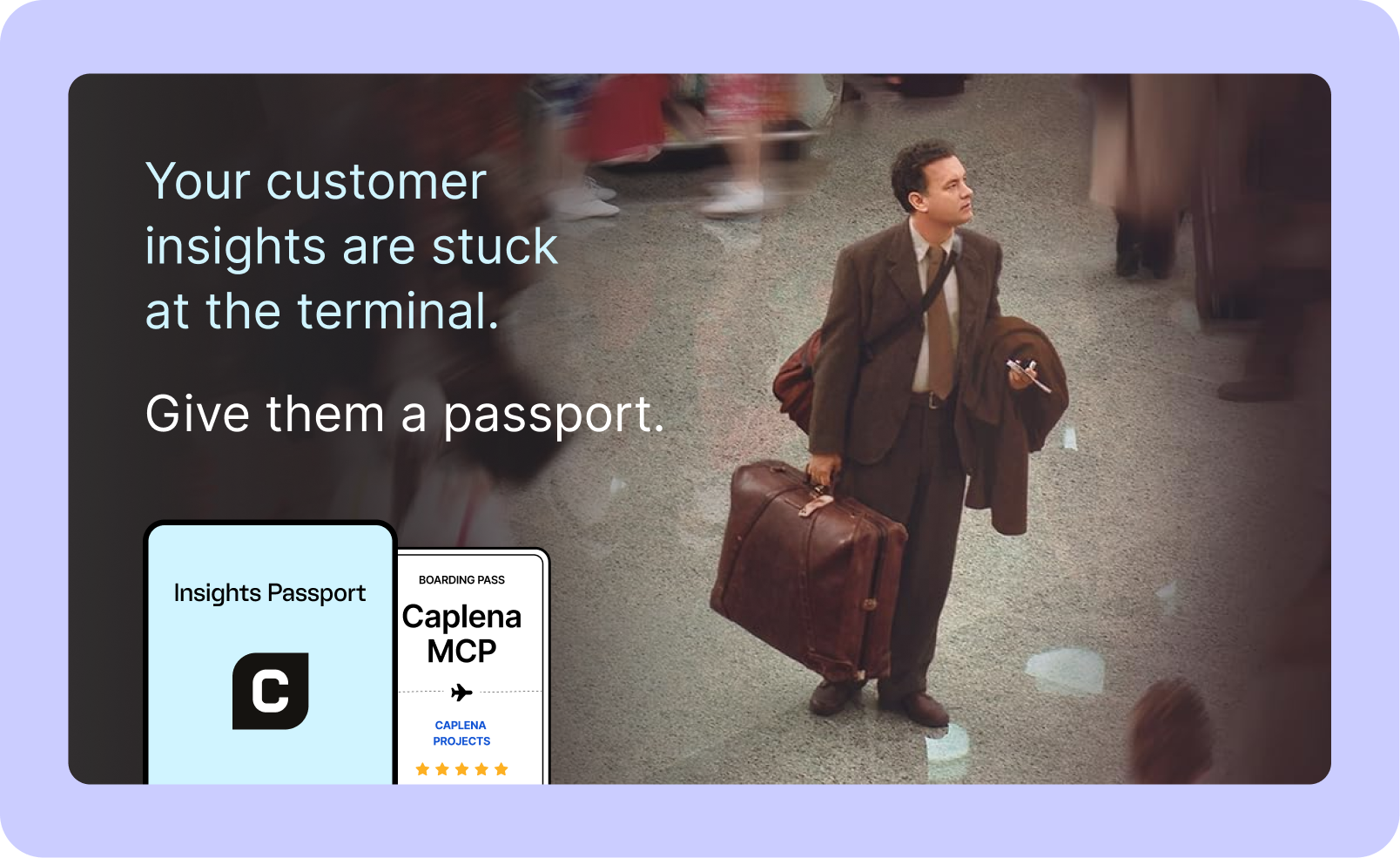
Customer insights often make it through analysis, then get stuck between the systems where the rest of the work happens. Your feedback data lives in one place while things like strategy documents sit somewhere else. Product issues belong in Jira, leadership expects a PowerPoint, and customer questions need answers on the website. And someone still has to carry the findings between all of them.
And it’s not that companies don’t understand the value of customer feedback — they do — a recent McKinsey study even found that 63% of leaders see customer feedback as the leading source of growth ideas. Still, the harder part is getting those insights into the decisions that shape what happens next.
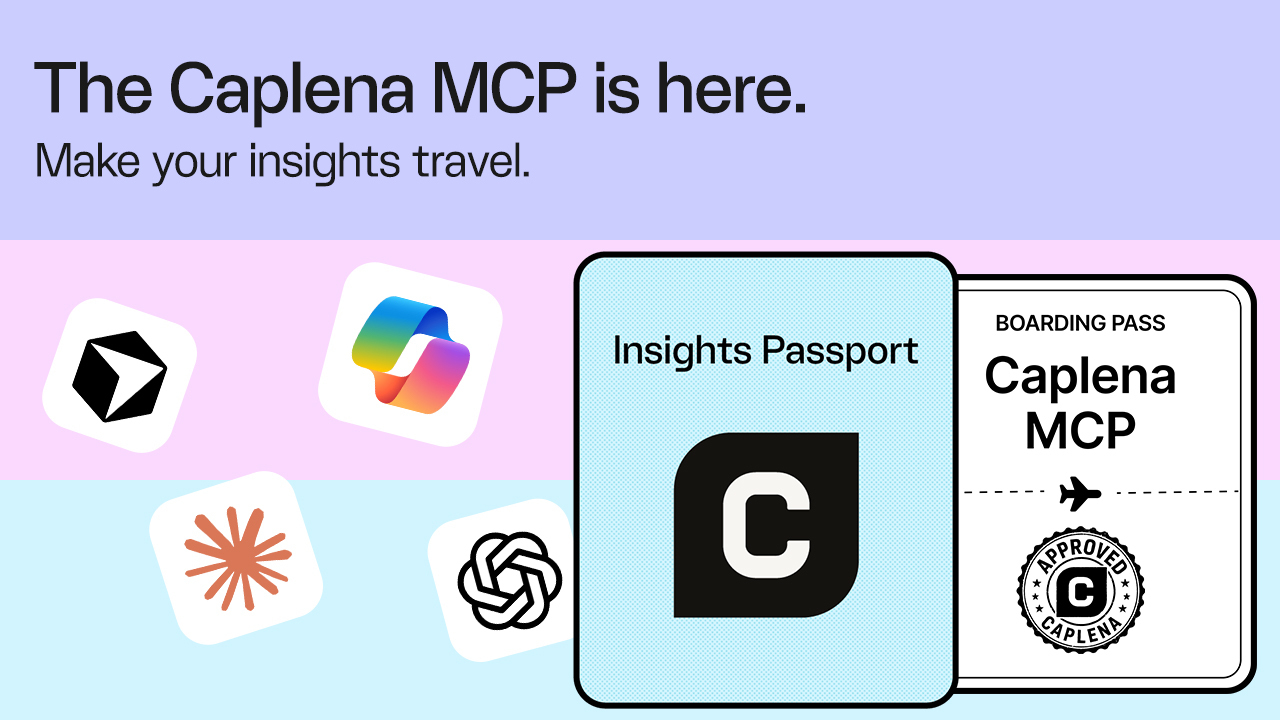
The insights exists. It just doesn’t reach enough of the actual end users. That’s why we’re introducing the Caplena MCP: think of it as a passport for your customer insights. It allows your Caplena insights to move into the AI tools, documents, and workflows that you and your team are already working with.
So, what’s the Caplena MCP?
MCP stands for “Model Context Protocol.” It’s a global standard that essentially allows LLMs (like ChatGPT) to connect directly with external tools and data sources (like Caplena).
The Caplena MCP applies that standard to your feedback data, letting you connect Caplena projects with MCP-compatible clients like Claude, Microsoft Copilot, and Cursor. From there, you can explore Caplena insights through natural-language prompts in the AI environment you already use.
And accessing those insights from your LLM of choice is really important. We see this as the start to a journey where insight continues naturally into the next step of your workflow: Creating a presentation, preparing a Jira ticket, comparing feedback with commercial data or even drafting customer-facing content; whatever you need.
Long-time Caplena users might already be aware of our Insight Agent; a feature built for users to explore feedback, conversationally, inside Caplena or even through Slack and Teams. With the MCP, you can ask for any customer insight in your AI tool of choice and get an answer from our Insight Agent right where you are. The end-goal being to connect those insights to decisions and turn them into improvements.
We want your feedback analysis to land
Analyzing feedback has never been the last part of the job.
Teams still need to compare findings with commercial data, prepare updates for leadership, share results with clients, open product tickets, start projects, update customer-facing content or turn insights into designs, policies, and operational changes.
A lot of that work still depends on people copying findings from one place, summarizing them for a new audience, changing the format, and rebuilding the same story inside another tool. The information moves, sure, but only because someone manually carries it.
This. 😩 Creates. 😩 Too. 😩 Much. 😩 Friction. 😩
The Caplena MCP gives those insights a shortcut into the next stage of your work. Instead of stopping at the answer, your workflow can continue into the presentation, ticket, project, design, or decision that follows. That’s where the MCP becomes really useful. It helps connect customer understanding with the systems your teams already plan, build, communicate, and act within.
Five of many places your insights can go next
Once your insights are cleared for takeoff, the real question is where they should go next. Here are five possible destinations, from leadership decks and product tickets to customer content and client-ready reports.
|
|||||
Give the AI something better than just a data dump
Thousands of raw text comments are difficult to interpret consistently without structure, context, and clear analytical rules. Uploading a large file into a general-purpose AI tool can produce a summary, but that summary probably doesn’t reflect the depth or precision an insights team needs.
Caplena has already done the specialist feedback work for you, before moving it into your LLM.
Depending on the project, the connected insight can include topics, topic-level sentiment, quantitative variables, segments, time periods and supporting text comments. That gives the AI client a more precise foundation for the next task than a loose collection of raw responses.
Caplena remains the feedback intelligence layer.
The MCP helps the structured insights move through the rest of your business.
The connected AI client can combine information and produce the next needed output, while people still review the analysis, choose where it should go and decide what action to take. The MCP provides the route, but your team’s in the driver’s seat.
What can travel, and who controls access?
Giving insights a passport also means setting clear boundaries. After all, this is sensitive data.
The Caplena MCP respects the same fine-grained permission system that’s already configured in Caplena, including user roles and object-level access. Meaning people can only get their hands on data they’re already allowed to see.
Projects also have to be set to “Live” before they can be accessed through the MCP. This gives teams a clear way to decide which projects can travel beyond Caplena and helps prevent unintended access or changes.
Built for the people turning feedback into decisions
For enterprise CX, insight, analytics, research, and employee experience teams, the MCP creates a bridge between customer understanding and the wider business. Feedback can jump straight into strategy documents, operational data, presentations, support workflows and product tools, making it easier for teams outside Caplena to use what the analysis reveals.
For market research agencies, the same connection helps you move project findings into updates, presentations and client-facing deliverables. Researchers keep control of the interpretation while spending less time rebuilding results across documents and tools.
So no matter if the next destination is a product backlog, a board meeting, or a client presentation: we believe that the insight should get there in a format that the next person can use.
Your insights can finally move
The MCP is now available to Caplena customers using MCP-compatible tools. If you’re curious, you can explore Caplena’s broader approach to agentic insights before setting up the MCP with the help of our documentation.
Customer insights have been stuck between systems long enough, don’t you think? It’s about time someone gave them the ability to reach the tools, teams, and decisions that need them the most.